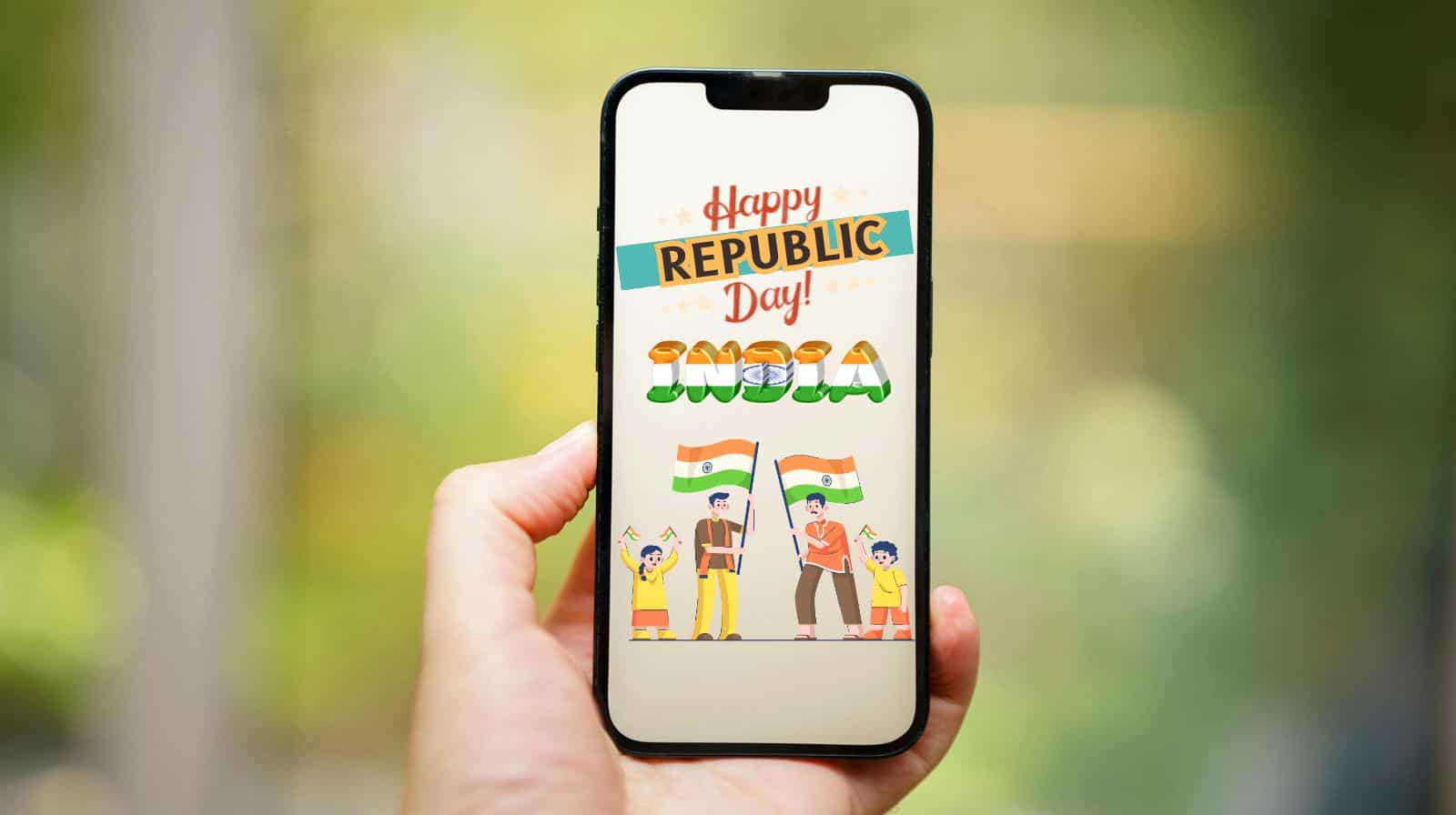
Republic Day 2026 wishes: India celebrates its Republic Day every year on 26 January, and this year is the 77th Republic Day of the country. This day marks the adoption of the country’s constitution and its transformation into a republic on January 26, 1950. And citizens celebrate this day with pomp and enthusiasm.
On this day many people like to send patriotic messages and wishes to friends, family and colleagues on WhatsApp. However, sending the same messages one by one can be quite time-consuming and tedious. Moreover, creating WhatsApp groups is not always a good idea, as it leads to a lot of replies and notifications.
But what is the solution? WhatsApp actually has a handy feature for this: broadcast lists. This allows users to send the same message to multiple people at once without creating a group.
With the help of broadcast lists, WhatsApp users can send the same message to multiple contacts simultaneously, and the best part is that this message is received as an individual chat, not a group message. This means receivers won’t be able to see each other’s replies, and the conversation remains private.
On occasions of big days like Republic Day, Independence Day, Holi, Diwali and more, when you want to share greetings with many people quickly and neatly, this feature is very useful.
How to use the Broadcast List on WhatsApp on Android and iPhone
For Android: How to use Broadcast Lists on WhatsApp?
Step 1: Open your WhatsApp and go to the ‘Chats’ section.
Step 2: Look in the top right corner, and tap the three-dot menu located there.
Step 3: Select New Broadcast.
Step 4: Now, select the contacts you want to send the message to.
Step 5: Now, tap the green tick to create the list.
Step 6: Once done, type your message (in this case Republic Day message) and send it. The message will reach all selected contacts simultaneously.
Note: You can add up to 256 people to a broadcast list.
For iPhone: How to use the Broadcast List on WhatsApp?
Step 1: Open WhatsApp on your iPhone and go to the ‘Chats’ screen.
Step 2: Swipe down from the top to open the search bar.
Step 3: Now, tap Broadcast Lists right there.
Step 4: Then tap New List at the bottom to search for contacts.
Step 5: Select the contacts (max 256), click ‘Create’.
Step 5: Now send the message as normal.
It should be noted that the replies will remain confidential.
Now you can easily send Republic Day wishes in one go.
Republic Day 2026 Wishes, Messages
If you want to share Republic Day 2026 wishes and messages with your family and friends on the occasion, here are some:
1. I wish you and your family a very happy Republic Day 2026 with a feeling of patriotism in my heart.
2. May we always have the freedom to choose, live, and dream. Happy 77th Republic Day!
3. Let’s salute our nation on the 77th Republic Day. Happy Republic Day 2026!
4. As we celebrate the 77th Republic Day, let’s promise to protect our country and its flag. Happy Republic Day 2026!
5. May we always have freedom in the mind, strength in the words, pureness in our blood, pride in our souls. Happy 77th Republic Day!
6. Let’s rejoice in the glory of the country and not forget to thank the soldiers. Happy Republic Day 2026!
7. A thoughtful mind, when it sees a nation’s flag, sees not the flag, but the nation itself. Happy Republic Day 2026!
8. Let’s salute the sacrifices made by freedom fighters and soldiers who made us realise the dream of an independent and unified India. Happy Republic Day!
9. Let’s take a pledge to protect our nation from all kinds of evils. Happy Republic Day 2026!
Doonited Affiliated: Syndicate News Hunt
This report has been published as part of an auto-generated syndicated wire feed. Except for the headline, the content has not been modified or edited by Doonited